Gaming With Dogs: How To Desensitize Pets To VR Headsets
Virtual Reality (VR) gaming has revolutionized the way we interact with digital entertainment, offering immersive experiences that transport us to different worlds. However, for our canine companions, this technology can be a source of confusion, anxiety, and potential physical danger. When a beloved owner suddenly dons a large plastic mask that obscures their eyes and begins flailing their arms at invisible enemies, a dog’s natural reaction can range from fear to protective aggression.
Furthermore, the physical risks are significant. ‘Gamer blindness’—the inability to see the physical world while immersed in VR—can lead to accidental kicks, trips, and falls that injure both the human and the pet. As a responsible dog owner, integrating VR into your household requires more than just clearing a play space; it requires training your dog to understand and respect the boundaries of this activity.
In this guide, we will explore the canine perspective on VR, provide a comprehensive step-by-step desensitization plan, and establish safety protocols to ensure your gaming sessions remain fun and accident-free.
Understanding the Canine Perspective: Why VR Scares Dogs
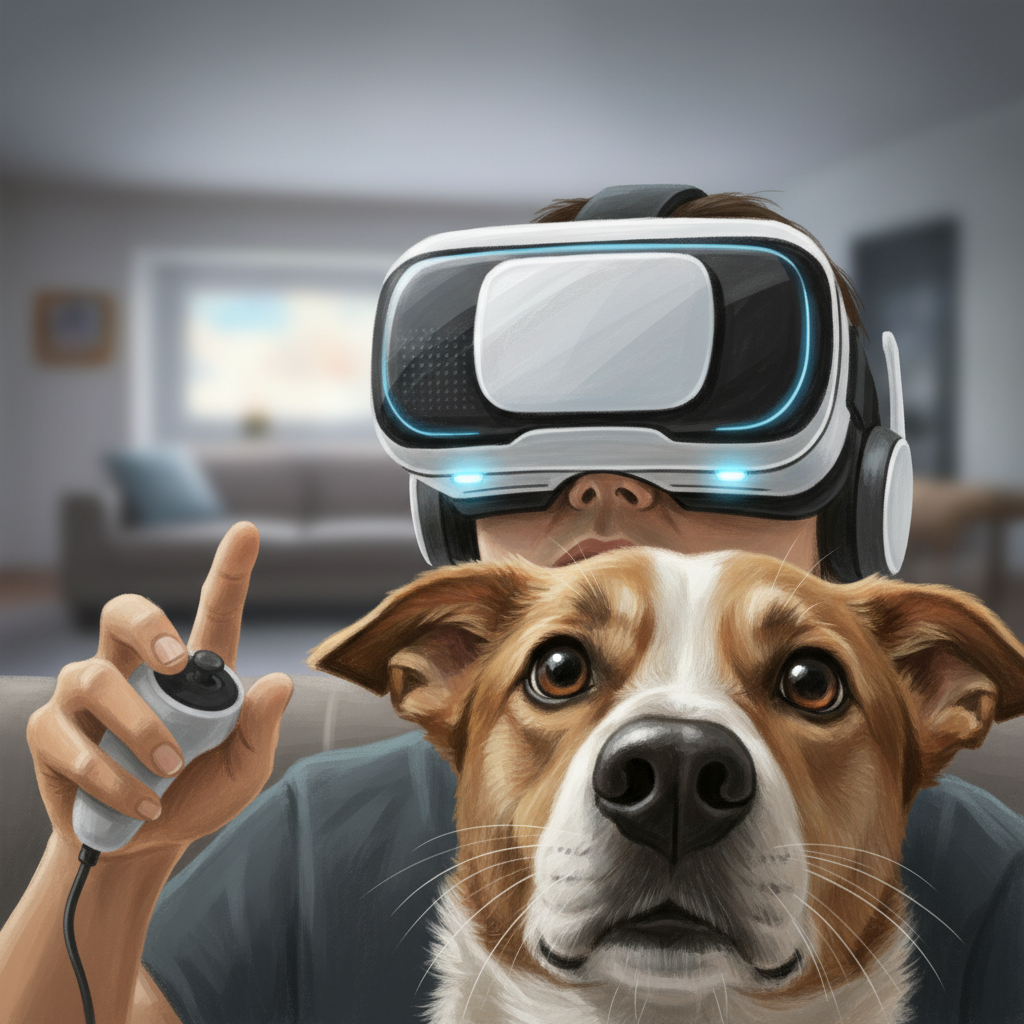
To effectively desensitize your dog, you must first understand why VR headsets can be triggering. Dogs rely heavily on facial expressions, particularly eye contact, to gauge human intent and emotion. When you wear a VR headset, you effectively remove your most communicative feature. This ‘facelessness’ can be unsettling for sensitive dogs.
Additionally, VR gaming often involves erratic, sudden movements—ducking, lunging, or swinging arms—that do not align with the context of the physical room. To a dog, these movements can mimic predatory behavior, play initiation, or signs of distress. Without the ability to see your eyes for reassurance, a dog may interpret these actions as a threat or an invitation to roughhouse, leading to jumping, barking, or biting at the controllers.
Preparation: Tools and Prerequisites
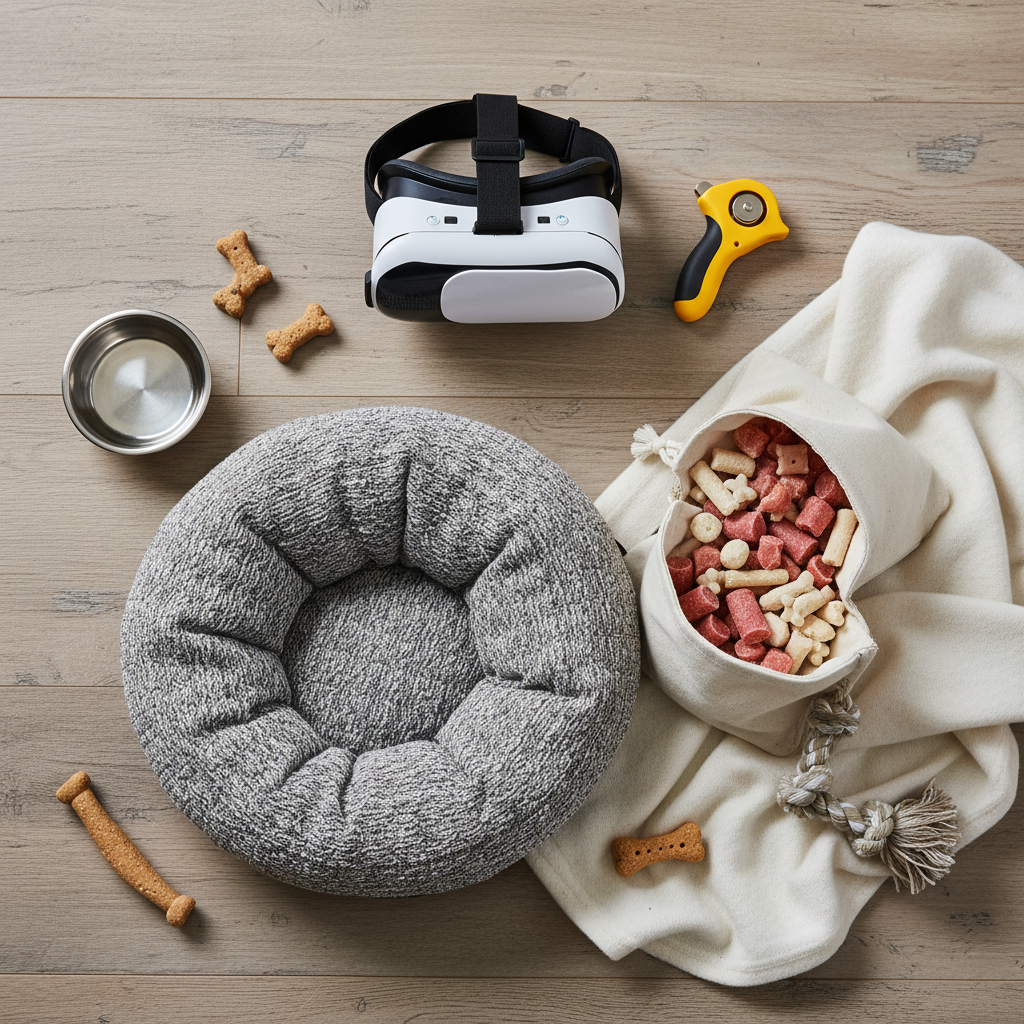
Before you put on the headset, you need to prepare your environment and gather the necessary training tools. Rushing this process increases the risk of negative associations. Ensure you have the following:
- High-Value Treats: Use small, soft treats that your dog loves (e.g., freeze-dried liver or cheese) to create a strong positive association.
- A Clicker or Marker Word: A clicker or a consistent word like ‘Yes!’ to mark the exact moment of desired behavior.
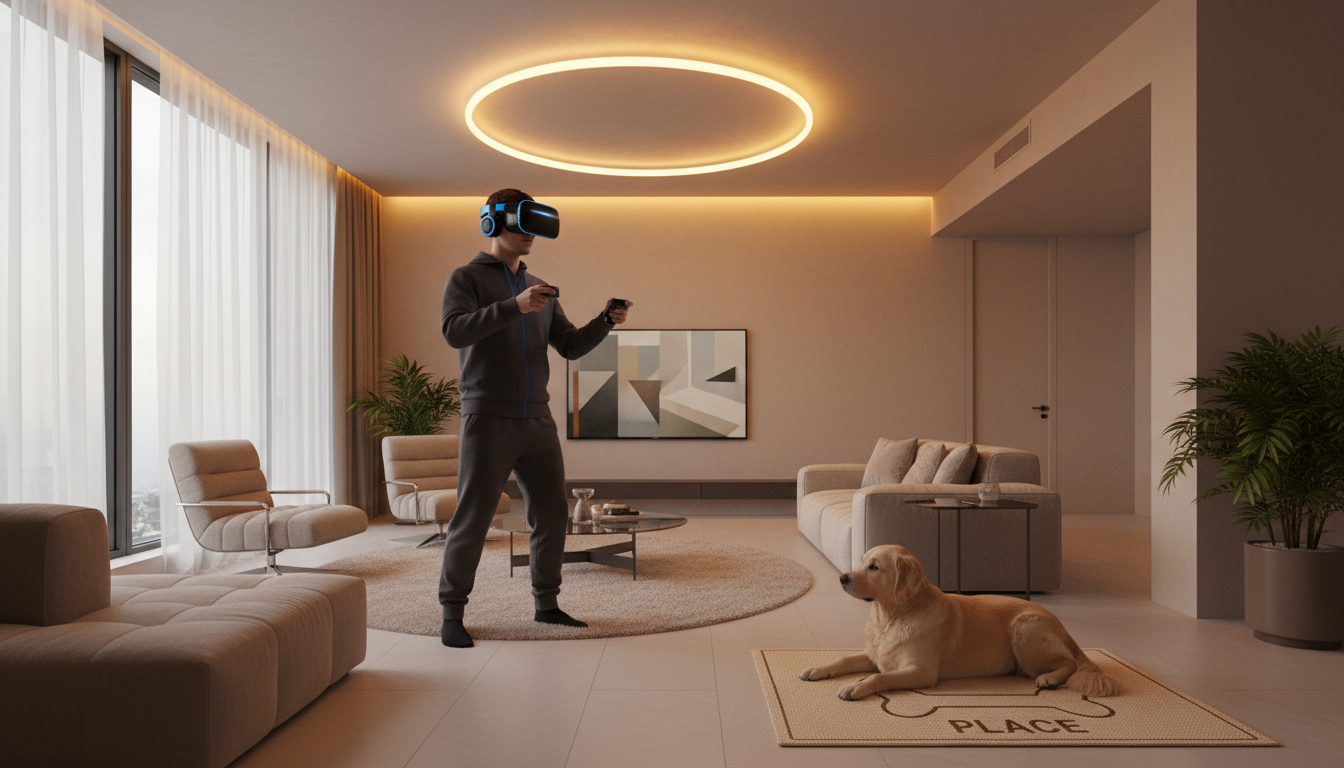
- A Designated ‘Place’: A mat, bed, or crate where the dog feels safe and knows to stay.
- A Helper (Optional but Recommended): Having a second person to reward the dog while you are ‘blind’ in VR is highly beneficial during the early stages.
Prerequisite Command: Your dog should have a reliable ‘Place’ or ‘Stay’ command. If your dog cannot hold a stay on their bed for at least 30 seconds while you move around the room, focus on that training before introducing the VR headset.
Step-by-Step Desensitization Process

Desensitization is the process of gradually exposing your dog to the stimulus (the VR headset and your movements) at a low intensity until they no longer react negatively. Follow these steps:
Step 1: Introduction to the Object
Place the VR headset on the floor or hold it in your hand. Allow your dog to sniff it. Whenever they look at it or sniff it without fear, click and treat. If they seem afraid, move the headset further away. The goal is to make the headset a predictor of rewards.
Step 2: The ‘On and Off’ Game
Sit on the couch with your dog nearby. Briefly lift the headset to your face (without strapping it on) and immediately remove it, then toss a treat. Repeat this dozens of times. You are teaching the dog that the headset covering your face is a temporary and positive event. Gradually increase the duration the headset stays on your face.
Step 3: Adding Movement
Before fully immersing yourself in a game, practice the physical movements without the headset covering your eyes. Wear the headset on your forehead or simply hold the controllers. Make gentle arm movements similar to gameplay. If your dog remains calm on their ‘Place,’ reward them heavily. If they break the stay or get excited, reduce the intensity of your movements.
Step 4: Full Immersion with Supervision
Finally, put the headset on fully. Do not start a high-intensity game immediately. Start with a passive experience or a seated game. Have your helper reward the dog for remaining calm on their bed. If you are alone, periodically lift the headset to check on your dog and toss a treat if they are in their designated spot.
Establishing Safety Boundaries and The ‘Place’ Command
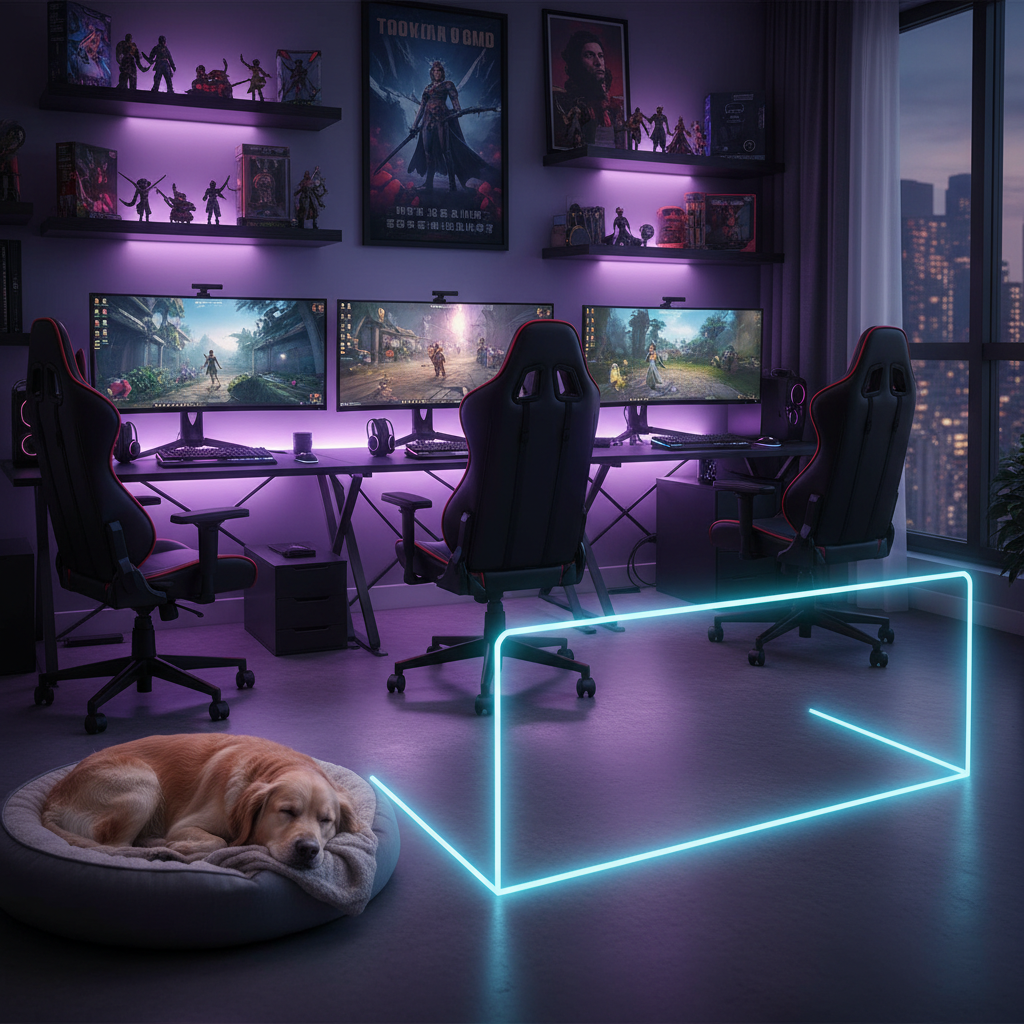
Training your dog to be calm is only half the battle; physical safety is the other. The most effective way to prevent accidents is to establish a strict ‘No-Go Zone’ for your pet while you are gaming.
- The ‘Place’ Command: This is your primary safety tool. When the headset comes out, the dog goes to their ‘Place.’ This should be a comfortable bed located outside your Guardian or Chaperone boundary. Reinforce this by giving them a long-lasting chew or a stuffed food toy to keep them occupied and stationary.
- Physical Barriers: If your dog struggles with impulse control, do not rely solely on training during intense gaming sessions. Use a baby gate or a playpen to physically separate the dog from your play space. This prevents the dog from wandering silently behind you, where they could be stepped on or kicked.
- Voice Commands: Ensure your dog responds to verbal commands even when they cannot see your eyes. Practice your recall and ‘Leave It’ commands while wearing the headset (turned off) so the dog learns that your authority remains even when your face is covered.
Troubleshooting Common Reactions
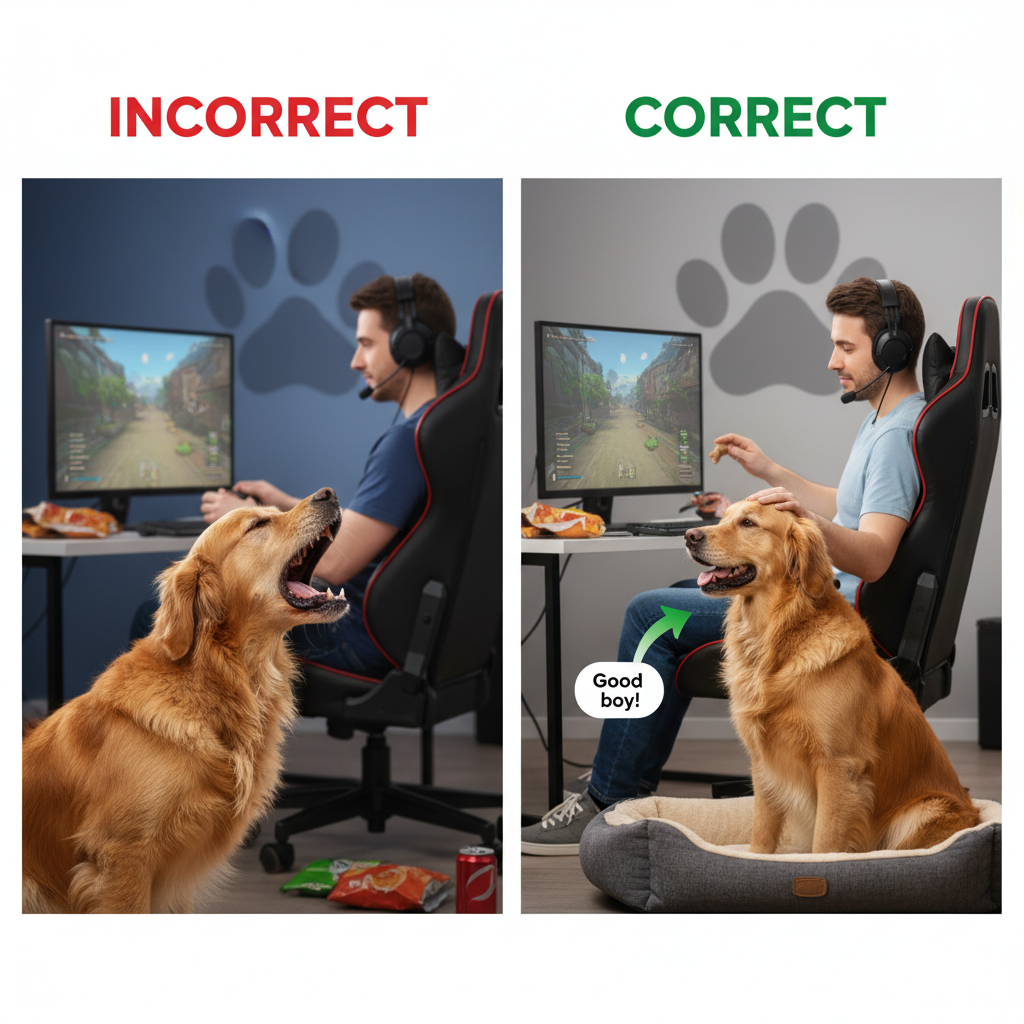
Even with preparation, issues may arise. Here is how to handle common behavioral problems associated with VR:
- Barking at the Player: If your dog barks when you move, they are likely confused or over-aroused. Stop moving immediately. Wait for silence, then reward. You may need to regress to Step 3 and practice slower movements.
- Jumping on the Player: This is dangerous. If your dog jumps on you while you are blind, freeze. Do not push them off (which can be interpreted as play). Wait for them to have ‘four on the floor,’ then calmly remove the headset and ask for a ‘Sit.’ If this persists, use a physical barrier (gate) until their impulse control improves.
- Fear/Hiding: If your dog runs away or hides when the headset appears, you have moved too fast. Stop the session. Spend a few days just leaving the headset near their food bowl or treat jar to build a positive association without wearing it.
Conclusion
Gaming with dogs in the house requires a balance of technology and biology. By taking the time to desensitize your pet to the VR headset and establishing clear physical boundaries, you protect your dog from anxiety and injury while protecting yourself from tripping hazards. Remember that consistency is key; never allow the dog to wander into your play space ‘just this once.’ With patience and positive reinforcement, your dog can learn that your gaming time is their relaxation time, ensuring a safe and happy household for both the virtual explorer and the loyal companion.